

Send data
Get data into Axiom
Stream data
Inspect streams of data live
Analyze data
Gain insights from your data
Explore data
Gain insights from your data
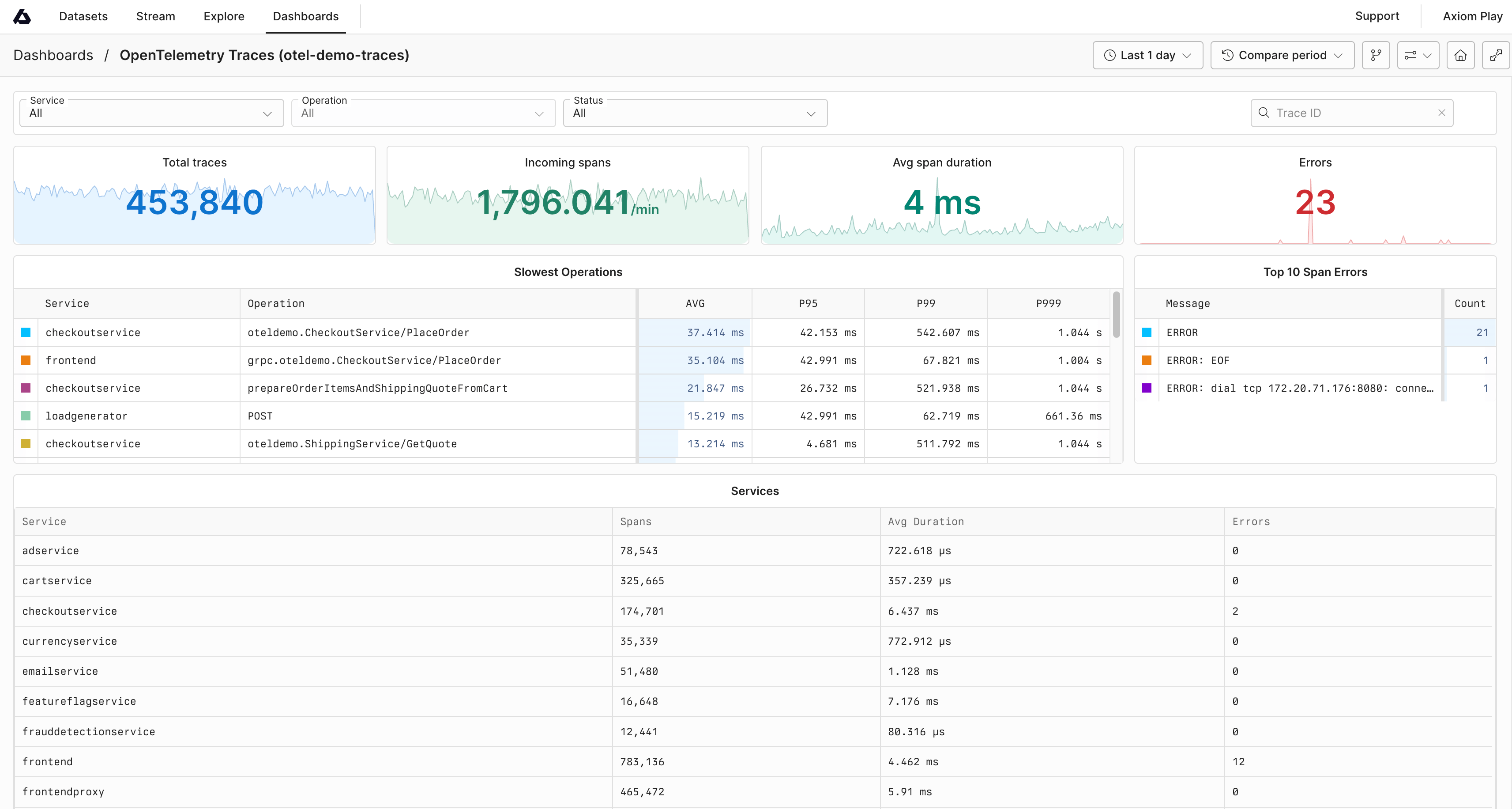
Create dashboards
Personalize custom models
Monitor data
Alert in real-time
Process data
Filter, shape, and route data
Axiom CLI
Manage & test
Apps and integrations
Enrich your Axiom organization
Roles
Role-based access control
New to Axiom?
If you’re new to Axiom, check out the Get started and the FAQ.Axiom is here to help
- Community: Visit the Axiom Discord community to learn, ask questions, and discuss ideas.
- Contact Support: Get in touch with the support team for questions not covered here.